
Technology
DUSD Tech Help Desk
Need help? We are here for you!
The best way to reach the Help Desk is by email.
Monday – Friday
7 am – 4 pm
In person or by phone
(562) 469-6905
Information & Instructions
Device Protection Plan: How to Enroll and Pay Online
Keep school devices safe with the District’s Device Protection Plan that costs $40. Coverage must be renewed annually, and assistance is available through your student’s counselor if needed. Follow simple steps online to log in, select your student, and complete payment for uninterrupted protection.

Level Up: The Benefits of eSports for Students
Explore our eSports programs for grades 4–12. Teamwork, strategy, and real-world skills through competitive gaming.

Cyber Safety & Digital Citizenship
As technology advances, it’s vital to teach students safe and appropriate device use, both in and out of the classroom.
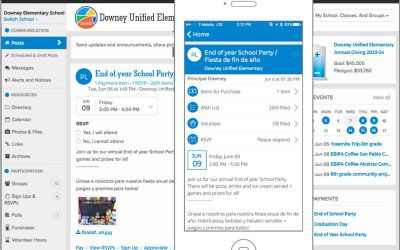
Our School is Now Using ParentSquare
We are excited to announce that we have adopted a new form of school-to-home communication across Downey Unified called ParentSquare.

How to Access Student Email
Learn how to login to your student email with these easy instructions.
Canvas: Everything You Need to Know
What is Canvas?
The Canvas Learning Management System (LMS) is the place where students will access course materials, assignments and quizzes, read announcements, connect with teachers and peers, and so much more! To access your Canvas student account, visit your Student Portal .
How to Login to Canvas
- Go to portal.dusd.net
- On the Apps Panel, click on the Canvas Icon.
- Your courses will appear on the Canvas dashboard at the start of the semester.
Need More Help?

Parents: Canvas for Android and iPhone
Links to complete information and user guides for Android and iPhone versions of Canvas for parents.
Canvas Overview
Learn about what Canvas is used for in this video.
Parents: How Canvas Can Keep You Informed
How parents can use Canvas to stay informed of their students grades, homework, and more.
Students: How to Login to Canvas
This informational video will show students how to login to Canvas, the learning management system.
INTERNET ACCEPTABLE USAGE AGREEMENT
While electronic information resources offer tremendous opportunities of educational value, they may also present opportunities for illegal and unethical use. Please make sure to read and understand the following agreement carefully before you sign and turn it in.